
01
Give visitors another way in
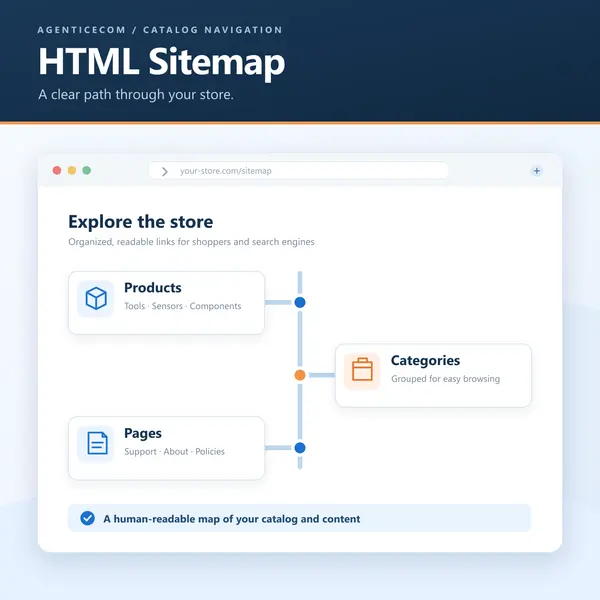
List categories, products and CMS pages on a customer-facing page. A clear overview helps visitors who want to browse beyond the main navigation.
Help shoppers find a useful route through your store. Present categories, products and CMS pages in an organised sitemap that you can configure for each store view.
For Magento Open Source 2.4.9. Review the module guide for installation, dependencies and frontend integration requirements. We can help check the fit with your existing store.
List categories, products and CMS pages on a customer-facing page. A clear overview helps visitors who want to browse beyond the main navigation.
Arrange sections and exclude selected links. Native Magento URLs and store-view awareness keep the sitemap connected to the store you run.
Check the module guide, supported version and setup requirements for your store.
Install and configure on staging. Test the workflows that matter to your team.
Deploy the tested configuration and use the included support when you need help.
Review the supported version and module guide, and test on staging with your current theme and extensions. Luma presentation and headless integration requirements vary by module; contact us if you need help checking compatibility.
The one-time licence includes 12 months of updates and priority support. Purchased versions remain usable. Renewal is optional and never billed automatically; see the current purchase terms for eligibility and renewal details.
Yes. AgenticSuite includes the Astro storefront and all headless and Luma-compatible modules listed on this website. You can buy this module for the store you run today, or discuss the complete platform for a frontend rebuild.
HTML Sitemap is a Magento 2 module that adds a human-readable sitemap page listing your products, categories, CMS pages and blog posts in ordered sections, plus a GraphQL feed for headless storefronts. Only active, visible content is included.
Magento ships an XML sitemap for crawlers, but nothing a person can actually read. HTML Sitemap adds a clean, frontend sitemap page that lists your categories, products and CMS pages in tidy, ordered sections — using native Magento URLs. It helps a visitor find their way around a large catalogue, and gives search engines a single, well-linked page that surfaces your content and shortens crawl paths.
Composer install · Per-domain licence · Updates via Composer · Ticket support · Headless GraphQL · No third-party dependencies · Check release-specific Magento and PHP compatibility
| Everything in one place | Categories, products and CMS pages, each with its native Magento URL, on a single page. |
|---|---|
| Configurable sections | Turn each section on or off, set the order they appear in, and exclude any links you don't want listed. |
| Luma & headless | Render it on the Luma frontend, or pull the same structured sitemap over GraphQL for an Astro or PWA store. |
| Magento | Check release-specific compatibility |
|---|---|
| PHP | Check release-specific compatibility |
| Lists | Categories, enabled/visible products, and CMS pages — native Magento URLs |
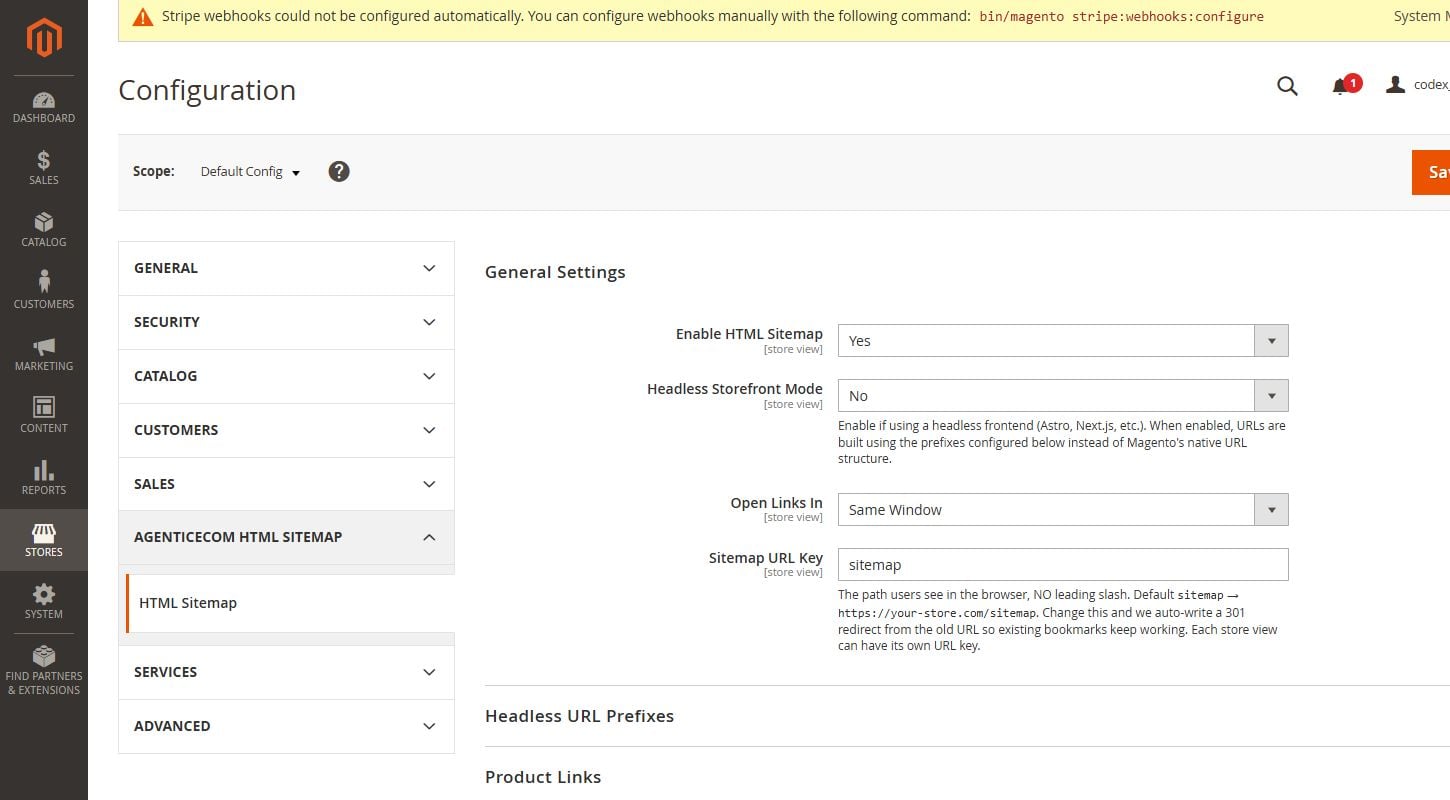
| Configuration | Enable per section, set section order, exclude specific links, open-in-new-tab |
| Frontend | Luma sitemap page, plus a GraphQL query for headless |
| Scope | Store-view aware |
| Access control | Configuration permission |
| Dependencies | None — no third-party libraries |
| Delivery & licence | Composer install, per-domain licence key, updates via Composer |
Part of the AgenticEcom suite for SEO & Content:
Included in the AgenticEcom Suite.
Magento's XML sitemap is for search-engine crawlers. An HTML sitemap is a readable page for people — and a useful internal-linking hub for SEO — listing your categories, products and CMS pages with links.
Your categories, your enabled and visible products, and your CMS pages, each with its native Magento URL, grouped into sections you can turn on or off and reorder.
Yes. You can remove specific links from the sitemap, and choose which sections appear and in what order.
Yes. As well as the Luma sitemap page, the same structured sitemap is available over GraphQL, so an Astro or PWA store can render it natively.
Check release-specific Magento and PHP compatibility and required dependencies before installation.
Latest release: Version 1.0.11
Read our HTML vs XML sitemaps for Magento checklist for navigation, canonical URL and headless route checks. For module configuration, use the HTML Sitemap user guide.
Keep improving the store you run today. When you need a full frontend rebuild, AgenticSuite combines the Astro storefront, visual admin and included module collection.
Your source code.
Your data. Your direction.
Review the setup requirements, choose your module and get started. We’re here if you need to check the fit.