
Magento 2 Xero Integration: Orders to Invoices, Automatically
Magento 2 Xero integration: the short answer
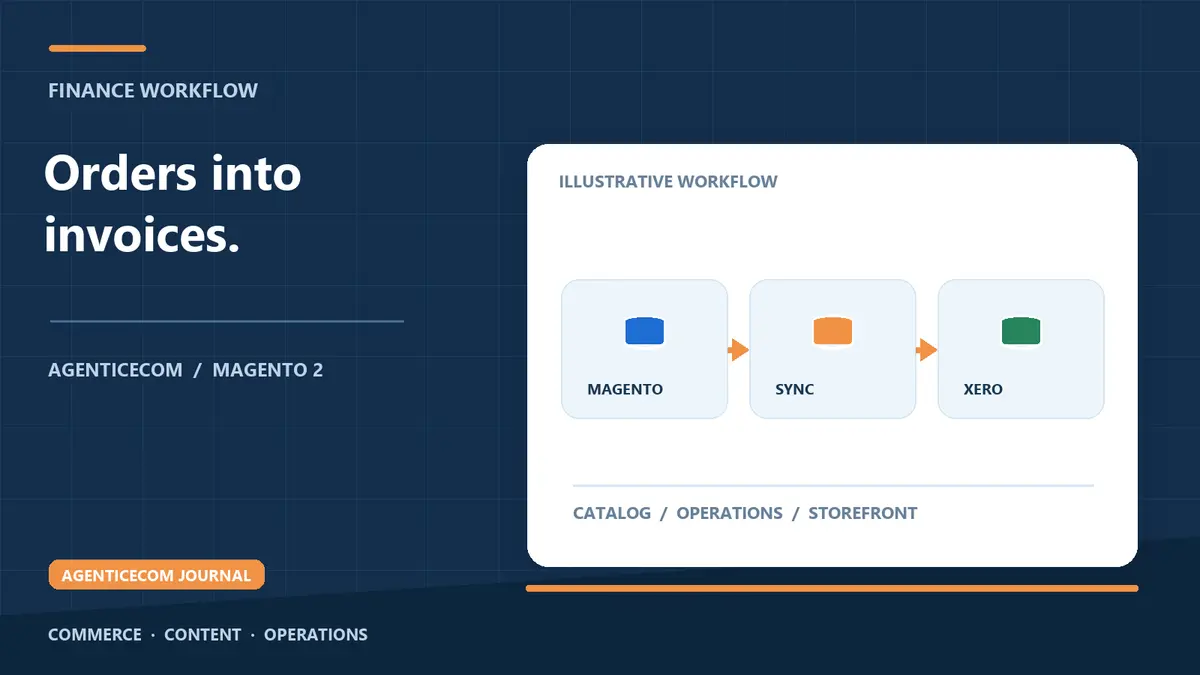
Magento 2 has no built-in Xero connection, so the best integration is a module that turns each Magento order into a Xero invoice automatically — contact matched, tax mapped, revenue posted to the right ledger accounts — the moment the order is placed. Set up properly, Magento stays the source of truth for sales, Xero reflects it without delay, and nobody retypes an order again.
That last point is the whole case. If Xero runs your accounts and Magento runs your store, the gap between them is usually a person: someone copying order numbers, line items, discounts and shipping into draft invoices. It is slow, it is error-prone, and it is always behind — which means your debtor position, your VAT return and your month-end all run on stale data. This guide covers the three ways to close that gap, what a good sync has to handle, and the setup steps in order.
Three ways to connect Magento and Xero
Every Magento-to-Xero setup is one of three patterns. The right one depends on order volume and how much you care about the accounts being right without supervision.
| Manual rekeying | Middleware (Zapier and similar) | Direct module | |
|---|---|---|---|
| How it works | Staff retype orders into Xero as draft invoices | A third-party service watches for new orders and creates invoices across both APIs | The store itself pushes each order to Xero over your own OAuth 2.0 connection |
| Running cost | Staff time on every single order | A monthly fee, plus another service to manage | A one-off module licence; no per-order cost |
| Tax and account mapping | Whatever the person types that day | Basic; complex VAT setups need workarounds | Magento tax classes mapped to Xero tax rates; revenue, shipping and payments mapped to your chart of accounts |
| When it breaks | Silently — typos surface at reconciliation | Failed tasks sit in a third-party dashboard nobody checks | Failures appear in the store's own sync log, next to the order |
| Best for | A handful of orders a month | Simple stores already invested in middleware | Any store where the accounts must be right |
What a good Xero sync must cover
- Order to invoice — every Magento order becomes a Xero invoice with correct line items, discounts and shipping, referenced back to the order so nothing is ever sent twice.
- Contact matching — existing Xero contacts are matched first, so repeat customers do not become duplicates; a new contact is created only when none exists.
- Tax mapping — Magento tax classes map to the right Xero tax rates, so the VAT calculated at checkout is the VAT on the invoice, and your return reconciles.
- Account mapping — revenue, shipping and payment lines post to the ledger accounts your accountant expects, not a generic sales code.
- Credit memos and payments — refunds and payment status flow through, so Xero reflects the store's reality rather than a snapshot of it.
- A sync log — every push recorded and every failure visible, so a discrepancy is a line in a log rather than a mystery at month-end.
- Your own OAuth app — the connection runs on OAuth 2.0 credentials you create, so access is yours to grant and revoke, not routed through a vendor's shared app.
Setting it up, step by step
- Create your own Xero app. Sign in at developer.xero.com, create a new app for your organisation, and note the OAuth 2.0 client ID and client secret. Using your own app means the connection between your store and your accounts belongs to you.
- Install the module. Install via Composer, then run
bin/magento setup:upgrade,bin/magento setup:di:compileandbin/magento cache:flushas usual. - Connect the store. In the module's settings under Stores → Configuration, enter the client ID and secret, then authorise the connection against your Xero organisation.
- Map your taxes. Pair each Magento tax class with its Xero tax rate. Do this with your accountant in the room — five minutes now saves a quarter of VAT corrections later.
- Map your accounts. Point product revenue, shipping and payments at the ledger accounts your chart of accounts already uses.
- Test with one real order. Place an order, open the invoice in Xero and check contact, lines, tax and totals against the Magento order, then confirm the sync log shows a clean run.
- Switch on automatic sync. Once one order is proven correct, let the module handle every order the same way, and keep on-demand sync for anything historical.
Refunds, part-payments and other reality
Real trading is messier than order in, invoice out. Customers return goods, pay in instalments, pay late, or settle two invoices with one transfer. The sync's job is to keep Xero honest about all of it: a credit memo raised in Magento should be reflected in Xero, and payment status should flow through so the debtor report matches reality. What the sync should not do is try to replace Xero — reconciliation, reminders and reporting stay in the accounts package, where your accountant already works. The store feeds the ledger; the ledger stays in charge of the money.
What Xero Connect for Magento 2 does
Xero Connect for Magento 2 is the direct-module route above, built for exactly this job: bring-your-own OAuth 2.0 credentials, orders synced to Xero invoices with contact, tax and account mapping, automatically or on demand, with a log of every sync so discrepancies are visible instead of silent. Built against Magento Open Source 2.4.9, running on PHP 8.4 and 8.5.
If you sell B2B, the same sync is the backbone of terms-based selling: approved trade customers check out on account and the invoice lands in Xero due on your terms. That pattern — and the payment-method setup behind it — is covered in net-30 invoicing and Xero sync for Magento B2B, and it pairs naturally with a quote-to-order workflow for negotiated purchases.
FAQ
Does Magento 2 integrate with Xero natively?
No. Magento 2 ships with no Xero connection, so you either rekey orders by hand, run middleware such as Zapier, or install a module that pushes orders to Xero directly. The direct module is the only route where mapping, logging and failures live inside the store itself.
Will a Xero sync duplicate my existing contacts?
Not if it matches on identity first. A well-built sync looks for an existing Xero contact before creating one, so repeat customers attach to the contact your accountant already knows, and a new contact is created only when none exists.
How is VAT handled between Magento and Xero?
Through tax mapping: each Magento tax class is paired with a Xero tax rate, so the VAT calculated at checkout is the VAT that appears on the Xero invoice. Set the mapping once, with your accountant, and both systems agree by construction.
What about refunds and part-payments?
Credit memos and payment status sync through, so Xero reflects what actually happened in the store. Your accountant reconciles in Xero as normal — the store simply stops being a separate version of the truth.
Do I need my own Xero developer app?
It is the better pattern. With bring-your-own OAuth 2.0 credentials the connection is between your store and your Xero organisation, so you can revoke or rotate access yourself rather than depending on a vendor's shared app.
Xero Connect is included in the AgenticEcom Suite, or available on its own as Xero Connect for Magento 2.