
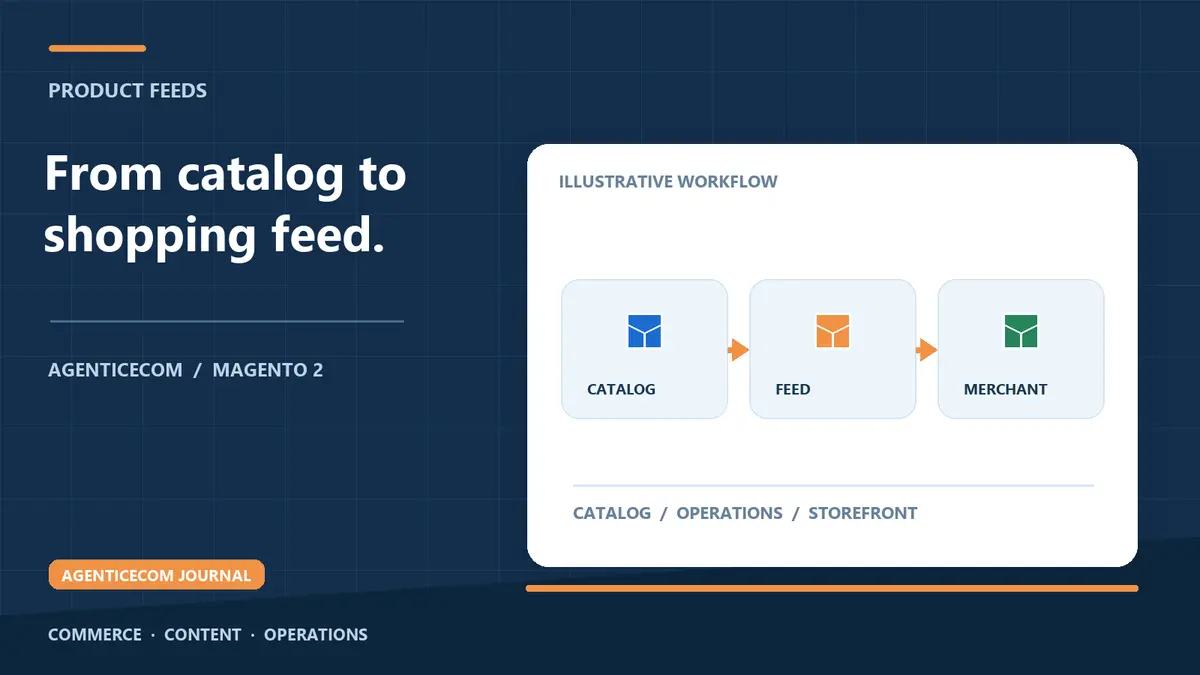
Magento 2 Google Shopping Feed: Pass Merchant Center First Time
Magento 2 Google Shopping feed: what passes first-time review
A Magento 2 Google Shopping feed passes Merchant Center review when every product carries the required attributes — id, title, description, link, image_link, price, availability, brand and a GTIN or MPN — and every value exactly matches what a shopper sees on the landing page. Magento Open Source has no native Merchant Center export, so in practice you generate the feed with a module or a custom build, regenerate it on cron so prices and stock never drift, and register its URL in Merchant Center as a scheduled fetch.
Those two conditions — complete attributes and zero drift — clear most first-review failures. This guide covers the full attribute set, the rejection traps that specifically catch Magento stores, and a setup order that avoids the disapprove-fix-appeal loop that makes Shopping feel harder than it is.
The attributes Google requires
Every item in the feed needs the core set, populated accurately from your catalogue. This is where most first-time rejections start, so it is worth checking each column against how your Magento data is actually stored.
| Attribute | What Google expects | Common Magento failure |
|---|---|---|
| id | A unique, stable identifier per item | SKUs that change on re-import, wiping the item's history |
| title | Descriptive, matching the product page | Internal naming conventions ("WID-BLK-M2") leaking into the feed |
| description | Accurate plain text | HTML tags and page-builder markup left unstripped |
| link | The canonical product URL | Store-view or parameterised URLs that redirect |
| image_link | A live, good-quality product image | Cached image URLs that break after a media regeneration |
| price | Exactly what the landing page shows, with currency | Feed exported excluding VAT while the page displays it included |
| availability | Matches the real stock state | Feed regenerated daily while stock changes hourly |
| brand + gtin/mpn | Correct identifiers for branded goods | GTINs sitting in a custom attribute that was never mapped |
| item_group_id | Groups variants, with size/colour attributes | Configurable products exported flat, or children without a group id |
Beyond the core set, condition and google_product_category should be present, and variant products need the relevant size and colour attributes alongside item_group_id. Missing or mismatched identifiers remain the single most common cause of item disapproval.
The rejection traps that catch Magento stores
- Price mismatch. The feed price must exactly match the landing page, including currency and tax treatment. On UK stores the usual culprit is tax display: the feed exports the price excluding VAT while the storefront shows it including VAT. Review your display settings under Stores → Configuration → Sales → Tax before you blame the feed.
- Missing GTINs. Branded products that have a GTIN must include it; omitting it gets items disapproved. If barcodes live in a custom attribute, map that attribute into the feed rather than re-keying data.
- Availability drift. If the feed says "in stock" and the page says sold out, Google notices and trust in the whole feed drops. The fix is regeneration frequency: the feed must refresh at least as often as your stock meaningfully changes.
- Thin or keyword-stuffed titles. Titles should describe the product and match the page — not stuffed with search terms, not so terse they could be anything.
- Broken or wrong images. Image URLs must resolve, stay live after cache flushes, and show the actual product. Watermarks and promotional overlays on images are also grounds for disapproval.
Generating the feed from Magento
Building the feed by hand means exporting the catalogue, mapping attributes to Google's schema, formatting prices and availability correctly, and then redoing all of it every time stock or pricing changes. It is squarely an automation job, and it is what our Product Feeds for Magento 2 module does: pick the Google template, map any product attribute into any feed column with modifiers (strip tags, price formatting, image resolution), filter which products are included with rule conditions, and schedule regeneration by cron. The output is a stable URL that Merchant Center fetches on schedule, so the feed Google reads is always the catalogue as it stands.
A setup order that works
- Audit your identifier data. Under Stores → Attributes → Product, confirm you have attributes holding brand and GTIN or MPN, and that they are assigned to the right attribute sets. Fill gaps from the Catalog → Products grid — before the feed exists, not after Google flags them.
- Check price and tax display. Make sure the price your storefront renders is the price the feed will export, under Stores → Configuration → Sales → Tax.
- Generate the feed. Build the Google-format feed, map every required column, exclude anything you do not want advertised (discontinued lines, zero-margin items) with rule conditions, and set the cron schedule.
- Register it in Merchant Center. Add the feed URL as a scheduled fetch, timed shortly after your Magento cron regenerates it, so Google always pulls a fresh file.
- Work the item-level errors. Merchant Center reports disapprovals per item with a reason. Fix the underlying catalogue data — not just the feed — so the fix holds on every regeneration.
One catalogue, several channels
The work you do here pays out more than once. The same clean product data drives a Meta catalogue feed for Facebook and Instagram and marketplace formats, so one data-quality pass opens several channels. It also supports your organic visibility: product schema markup on the landing page gives Google structured price and availability signals that should agree with your feed, and both sit inside the wider Magento SEO checklist.
FAQ
Does Magento 2 have a built-in Google Shopping feed?
No. Magento Open Source has no native Merchant Center export. You generate the feed with an extension or custom code, publish it at a stable URL, and register that URL in Merchant Center as a scheduled fetch.
Why does Google Merchant Center reject my Magento feed?
Most often: price mismatches between the feed and the landing page (frequently a VAT display issue), missing GTINs or identifiers, availability that does not match stock, or poor titles and broken image links. Fixing those clears the majority of rejections.
What attributes does a Google Shopping feed need?
At minimum id, title, description, link, image_link, price, availability, brand and a GTIN or MPN, plus condition and google_product_category — and item_group_id with size/colour attributes for variants. Every value must be accurate and match the product page.
How often should the feed regenerate?
At least as often as your prices and stock meaningfully change — daily is the usual minimum, hourly for fast-moving stock. Schedule the Magento cron shortly before Merchant Center's fetch time so Google always reads a current file.
Product Feeds for Magento 2 generates Google, Meta and marketplace feeds straight from your catalogue and keeps them current on cron. It is a one-off purchase — no subscription — and is included in the AgenticEcom Suite.