
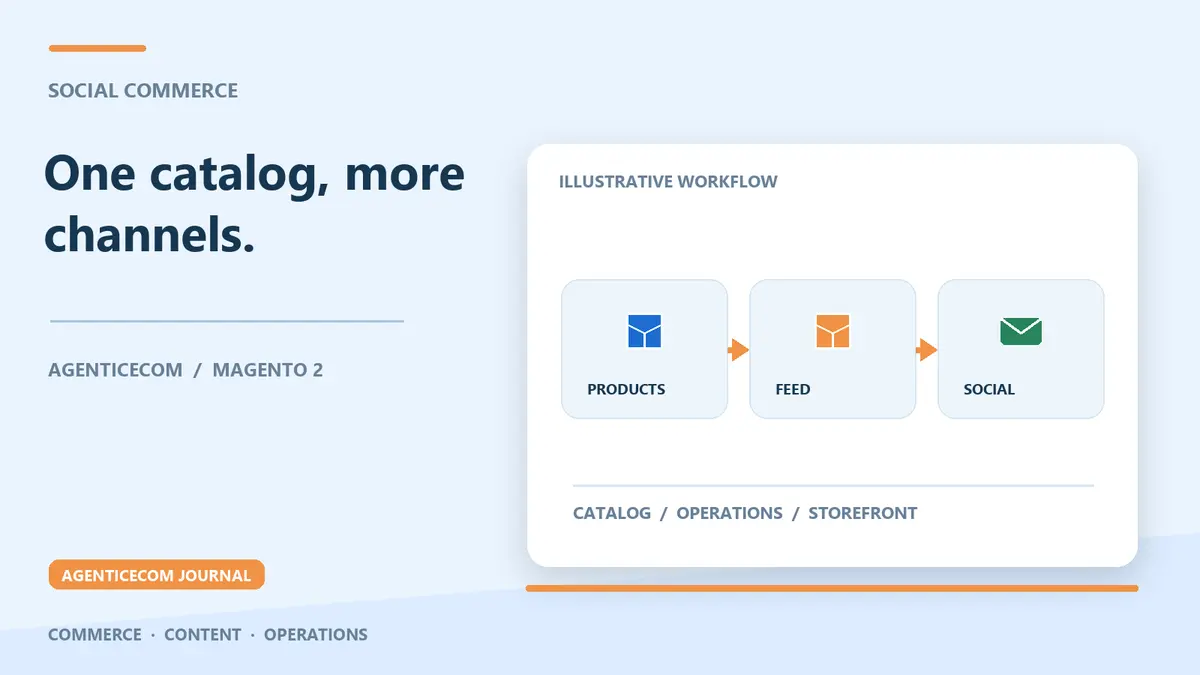
Facebook & Instagram Product Feeds for Magento 2
Selling on Facebook and Instagram from Magento 2: the feed is the foundation
Magento 2 has no native Facebook or Instagram product feed — Meta shops, Instagram shopping tags and Advantage+ catalogue ads all run off a catalogue feed in Meta's own format, and Open Source cannot produce one out of the box. The working setup is a module-generated feed in Meta's column format, regenerated on cron, published at a stable URL, and registered in Meta Commerce Manager as a scheduled data source.
Get that pipeline right and every Meta surface — shop tabs, product tags on posts and stories, catalogue ads — reads from one source of truth that stays correct as your prices and stock change. Get it wrong, usually by uploading a file once and letting it drift, and stale prices and out-of-stock items start generating item errors and shopper complaints. Here is what the feed needs, how to generate it from Magento, and how to wire it into Commerce Manager.
What a Meta catalogue feed needs
Meta's requirements look like Google Shopping's but differ in detail, and the differences are exactly where hand-built feeds fail.
| Aspect | Google Merchant Center | Meta Commerce Manager |
|---|---|---|
| Core columns | id, title, description, link, image_link, price, availability, brand, GTIN/MPN | Broadly the same set, with Meta's own column names and accepted values |
| Category taxonomy | google_product_category | Meta's own product category taxonomy |
| Refresh mechanism | Scheduled fetch of your feed URL | Scheduled fetch of your feed URL, set per data source |
| Where errors surface | Merchant Center diagnostics, per item | Commerce Manager data source screen, per item |
Because the accepted values and taxonomies differ, "copy the Google file across" is not a strategy. You need a feed built to Meta's specification from the same underlying catalogue data — which is also why solving product data quality once pays out across both channels.
Two Magento-specific details deserve attention before you generate anything. Configurable products need proper variant grouping in the feed, so that a colour tagged in an Instagram post resolves to the right child item rather than a generic parent. And image URLs must stay live through cache flushes and media regeneration — Meta's surfaces are image-led, so a broken or low-resolution image does more damage here than it would in a text ad.
Generating it from Magento
Our Product Feeds for Magento 2 module ships templates for Google, Meta (Facebook and Instagram) and marketplace formats. For Meta: pick the Meta template, map any product attribute into any feed column with modifiers (strip tags, price formatting, image resolution), filter which products are included with rule conditions, and schedule regeneration by cron so the file Meta fetches is always current. The output is a stable URL you paste into Commerce Manager as a scheduled data source.
The rule conditions matter more than they first appear. Your Meta catalogue does not have to mirror your Google one — you might exclude low-margin lines from paid catalogue ads, keep age-restricted products out entirely, or run a separate feed profile per brand. Each feed profile carries its own filters, mapping and schedule.
Setup in Commerce Manager, step by step
- Generate the Meta-format feed in Magento and note its URL. Confirm the file is reachable from a browser before going further — Meta cannot fetch a URL your server blocks.
- Create or open your catalogue in Meta Commerce Manager, go to Data sources, and add a scheduled feed with that URL. Set the fetch to daily as a minimum, hourly if stock moves fast.
- Schedule the Magento cron ahead of Meta's fetch. Regenerate the feed shortly before the fetch time so Meta always reads a fresh file rather than yesterday's prices.
- Work through the item-level errors Commerce Manager reports — usually missing identifiers or unaccepted availability values. Fix the mapping or the catalogue data so the fix survives every regeneration.
- Connect the catalogue to your Facebook Page and Instagram profile to enable product tagging and your shop. In most regions the shop sends buyers through to your own checkout, so your product URLs and landing pages need to be in order too.
Keeping the feed honest
The common failure mode is not the initial setup — it is drift. A feed built once by hand goes stale the first time you run a promotion or sell through a line, and wrong prices and unavailable items are what get catalogues flagged. Two habits prevent it: regeneration frequency matched to how often your data actually changes, and fixing errors at the catalogue level rather than hand-editing the file. If you also sell on Google, the same discipline applies there — see Google Shopping Feed for Magento: pass first-time review for that side of the pipeline.
One more conversion detail for Meta traffic specifically: most of it arrives on mobile, where Magento's default register-then-checkout flow costs you buyers. Pairing the feed with social login lets a shopper who arrived from Instagram sign in with the account they are already holding.
FAQ
Does Magento 2 have a built-in Facebook or Instagram feed?
No. There is no native Meta catalogue export in Magento Open Source. You generate one with a module or custom code, publish it at a stable URL, and register that URL in Commerce Manager as a scheduled data source.
Can I exclude some products from the Meta feed?
Yes. Rule-based conditions control exactly which products each feed profile includes, so your Meta catalogue can differ from your Google one — excluding restricted, discontinued or low-margin products while the rest of the catalogue flows through.
How often should the feed refresh?
Match it to how often prices and stock change — daily is the usual minimum, hourly for fast-moving stock. Schedule the Magento cron a little before Meta's fetch time so the fetched file is always current.
Is the Meta feed the same as the Google Shopping feed?
No. The column names, accepted values and category taxonomies differ, so each channel needs a feed built to its own specification. The same catalogue data drives both, which is why one data-quality pass opens both channels.
Product Feeds for Magento 2It is built for Magento Open Source 2.4.9 and runs on PHP 8.4 and 8.5. It is a one-off purchase — no subscription — and is included in the AgenticEcom Suite.