
Reuse Magento Custom Options with Templates and Controlled Updates
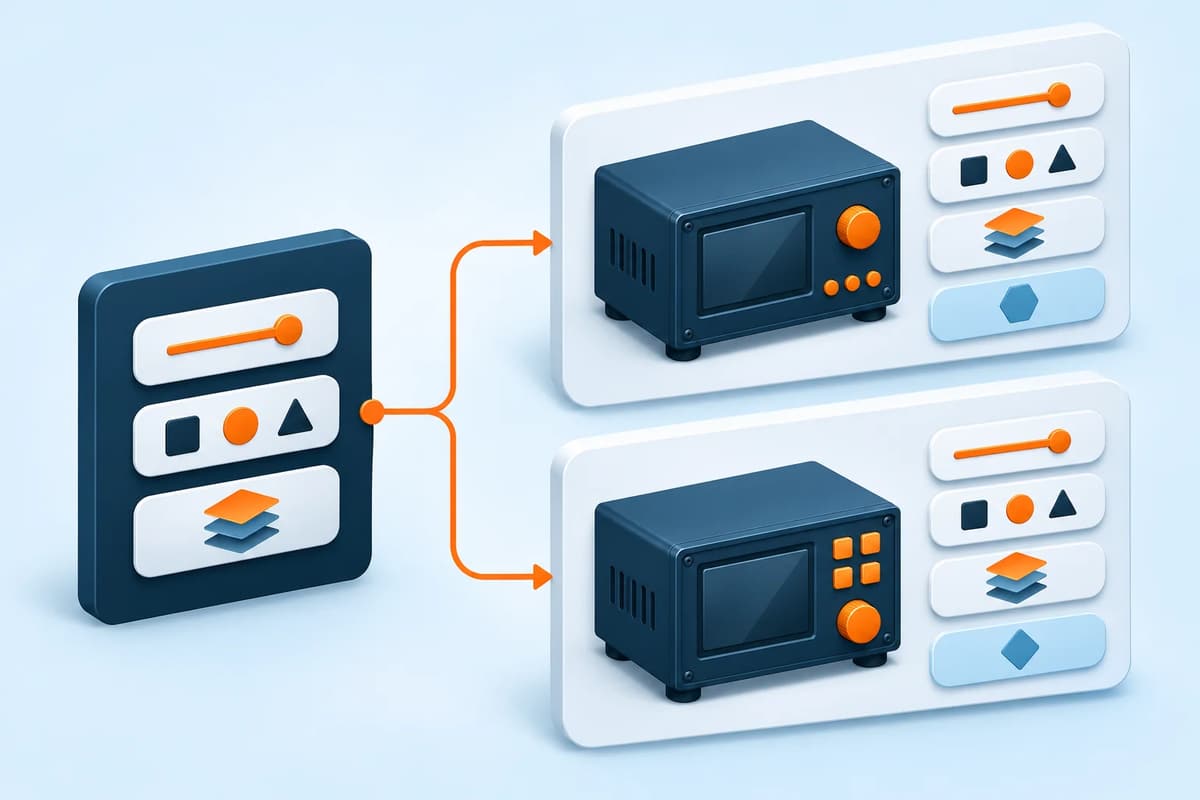
Use a custom-option template when several products share an engraving field, installation choice or service add-on and those definitions need ongoing maintenance. Global Custom Options writes the template onto assigned products as native Magento custom options. It does not introduce separately stocked variations or determine which accessory physically fits a product.
The current release is 1.0.2. Its guide records Composer installation, template sync, CSV round trips, Luma product pages and cart checks on Magento Open Source 2.4.9 / PHP 8.5.10. Qualify other versions, themes and headless option handling separately.
Start with Magento's native option tools
Native Customizable Options suit choices defined on an individual product. Magento also lets you import options from another product, so a one-off copy does not necessarily require a template module. See Adobe's customizable options instructions.
A reusable template becomes useful when the shared definition will change later and you need to know which options that template owns. If size, colour or another choice needs independent inventory, compare Magento's product types instead of treating custom options as stock records.
Build the reusable definition
Open Catalog → Inventory → Global Custom Options. Create a template with a clear name and identifier, or use Import From SKU to start from an existing product. Add option rows with their titles, types, required state, prices and sort order. Selectable types use a values table for each choice; the Admin form is not a pipe-delimited text box.
Choose products in Assign to Products and use Save Template & Sync to write the options. Check the actual products afterwards. CSV import creates or updates template definitions; you still open and save the imported template to apply it to selected products.
Replace, Update and Add have ownership boundaries
| Mode | What it changes |
|---|---|
| Replace | Refreshes options previously created by this template. Merchant-created options and other-template options remain. |
| Update | Refreshes matching positions owned by this template and adds new positions. Matching is by owned position, not simply an option title. |
| Add | Writes template positions that this template has not already applied. Existing owned and other options remain. |
Removing a product assignment stops future syncs but does not delete options already written to that product. Plan any removal as a separate deliberate action, and inspect the resulting storefront and cart before wider use.
Illustrative example: installation choices on two products
This is an unexecuted example. Suppose two simple inspection instruments offer the same optional installation service. One already has a merchant-created serial-number note.
- On staging, back up both products and record their current options. Create an “Installation service” template with a selectable choice and illustrative fixed surcharges agreed for the exercise.
- Assign the two products and sync. Inspect their saved options and confirm that the existing serial-number note remains.
- Change one template-owned position, choose Update and sync again. Confirm the intended owned option changed while the merchant-created note remained.
- Remove one product's assignment and save. Reopen that product: its applied options should remain, and subsequent template syncs should no longer target it.
- On Luma, select each option, add the product to cart and compare the option labels, required validation and resulting price. Do not infer checkout behaviour from the template editor alone.
Options created before version 1.0.2 lack the newer ownership records. A first sync can leave those options in place and add another copy. Inspect representative previously assigned products before syncing a large upgraded catalogue.
Translations and CSV handovers
Per-store label overrides match the default option or value title and a store locale. A locale can resolve to several store views, so review that scope before treating an override as specific to one shop. Labels without overrides fall back to the default wording.
Template CSV uses the template code as its update key. Keep option_key when round-tripping selectable options: shared keys group their rows, while distinct keys preserve separate options with identical titles. Legacy files without that key group by title. Add Only skips existing template codes; Add/Update overwrites matching definitions.
The documented CSV limit is 5 MB. Empty or duplicate headers and wrong column counts reject the file before template changes, while individual database errors are reported per template. Keep the pre-change export and review the full result.
Check the real requirement before buying
Use native copying for a small one-off task. Use templates for recurring definitions with controlled ownership. Use a configurable-product or other inventory design when choices need separately managed stock. For technical compatibility selection, a product finder serves a separate purpose.
Review Global Custom Options and its mode, translation and CSV guide. Describe any existing templates and upgraded products when asking for a fit check.
This article describes AgenticEcom's own module. Reviewed for accuracy on 4 November 2026.
Product information reviewed 4 November 2026 by AgenticEcom. Illustrative examples are not customer results or new runtime tests.