
Why Magento Checkout Changes Currency and How to Diagnose It
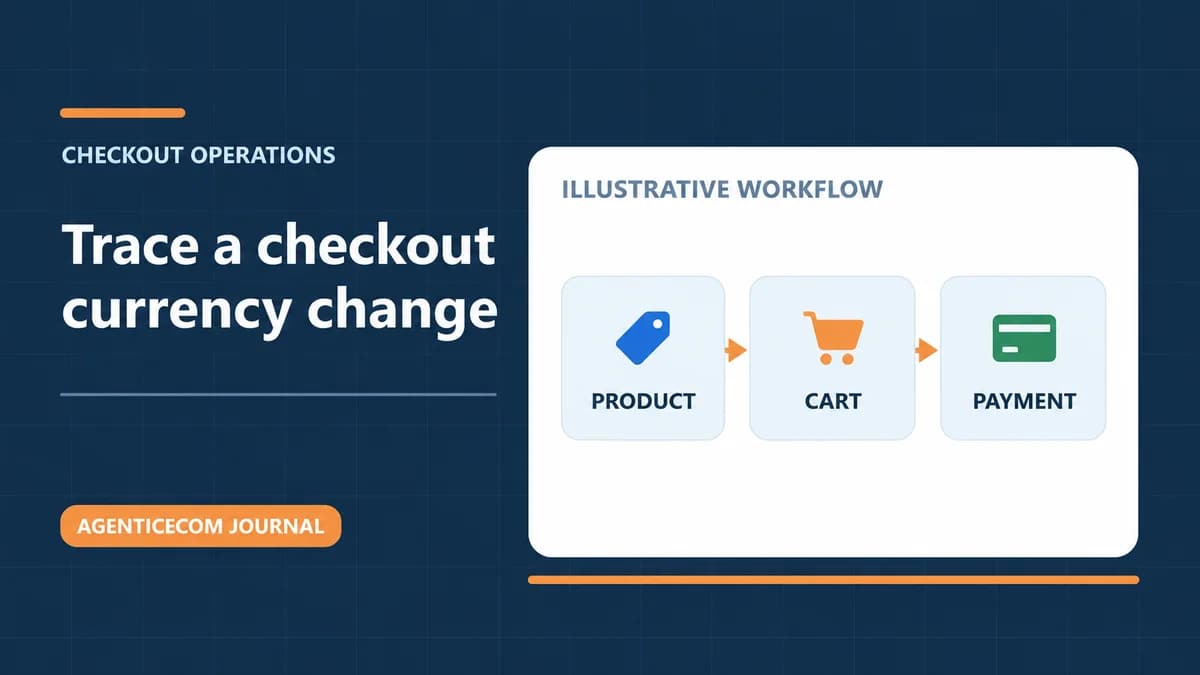
If a Magento product page shows dollars and checkout switches to pounds, find the first place where the amount or currency changes. Use one product in a fresh session. Compare the product page, the cart data Magento returns, the checkout summary, and the payment provider’s test charge. The first discrepancy tells you whether to check store configuration, the storefront’s cart requests, or the payment integration.
Check the currency at each step
In Stores → Configuration → General → Currency Setup, record the base currency, the default display currency, and allowed currencies for the relevant scope. Check the exchange rate Magento is actually using. A dollar sign alone cannot tell you whether the amount is USD, CAD, or AUD. Record the three-letter code alongside each value. Adobe’s currency configuration guide explains the available scopes and rates.
| First place it changes | What to inspect |
|---|---|
| Product page or category listing | Store view, default display currency, exchange rate, saved shopper preference, and the price in a fresh browser. Compare a newly rendered page with a cached return visit. |
| After Add to Cart | Compare Magento’s line amount and currency with the item shown in the basket. An Astro, PWA, or other headless storefront needs to carry the intended store and currency through the cart operations. |
| After entering the address or selecting delivery | Compare the line subtotal, discount, shipping, and tax separately. Check whether the amount changes, the currency changes, or both. |
| At the payment stage | Check the amount and currency the provider is asked to charge in its sandbox. Compare that against the checkout confirmation and Magento’s test order and invoice. |
A headless test that isolated the problem
In an AgenticEcom test, the shopper selected USD and saw $249.00 on the product. Magento priced the cart line at £188.07 GBP, and checkout followed the cart’s currency. The cart request had omitted Content-Currency. In a follow-up test, the cart request explicitly used USD and Magento returned $249.00 USD. That exposed a separate problem in the basket: it converted Magento’s already-converted USD amount again.
Use the browser’s Network tools to inspect your own headless requests and compare the cart response with the visible line. Adobe documents the Content-Currency header for a currency different from the selected store view’s default. Compare the store’s GraphQL currency configuration and check the cart response after adding a product, changing quantity, applying a discount, and returning from checkout. Render the amounts Magento returns in the response currency.
Our licensed preview then kept the correct line currency and amount through checkout in both independent browser sessions. The checks ended before payment. Treat payment authorization, order creation, and invoice checks as separate sandbox steps.
Check what the customer will be charged
Use a provider sandbox with a new cart in each relevant currency. Record the checkout total, the charge amount and currency, and the order and invoice values. Try a returning shopper with an existing cart and a change of shipping or billing country. For Stripe, the shopper’s charge is in the presentment currency. Settlement is the currency paid out to the merchant. A GBP payout alone cannot tell you whether the shopper was charged in GBP. Stripe’s explanation of presentment and settlement covers those differences.
Run the same test from Shopping-feed landing links if they advertise a different price or currency. The feed price, landing page, and checkout must tell the same story for that offer. Capture any choice the shopper makes after arriving separately from the feed’s starting state.
Apply the check to an AgenticSuite storefront
If you’re evaluating a Magento-to-Astro move, add this two-currency test to the headless migration checklist. The Checkout Config guide explains how Magento supplies presentation settings to the Astro checkout and how to sync them. Currency still needs to be verified through your storefront, Magento cart, and payment provider. See what AgenticSuite includes if you’re deciding whether to adopt the full storefront.