
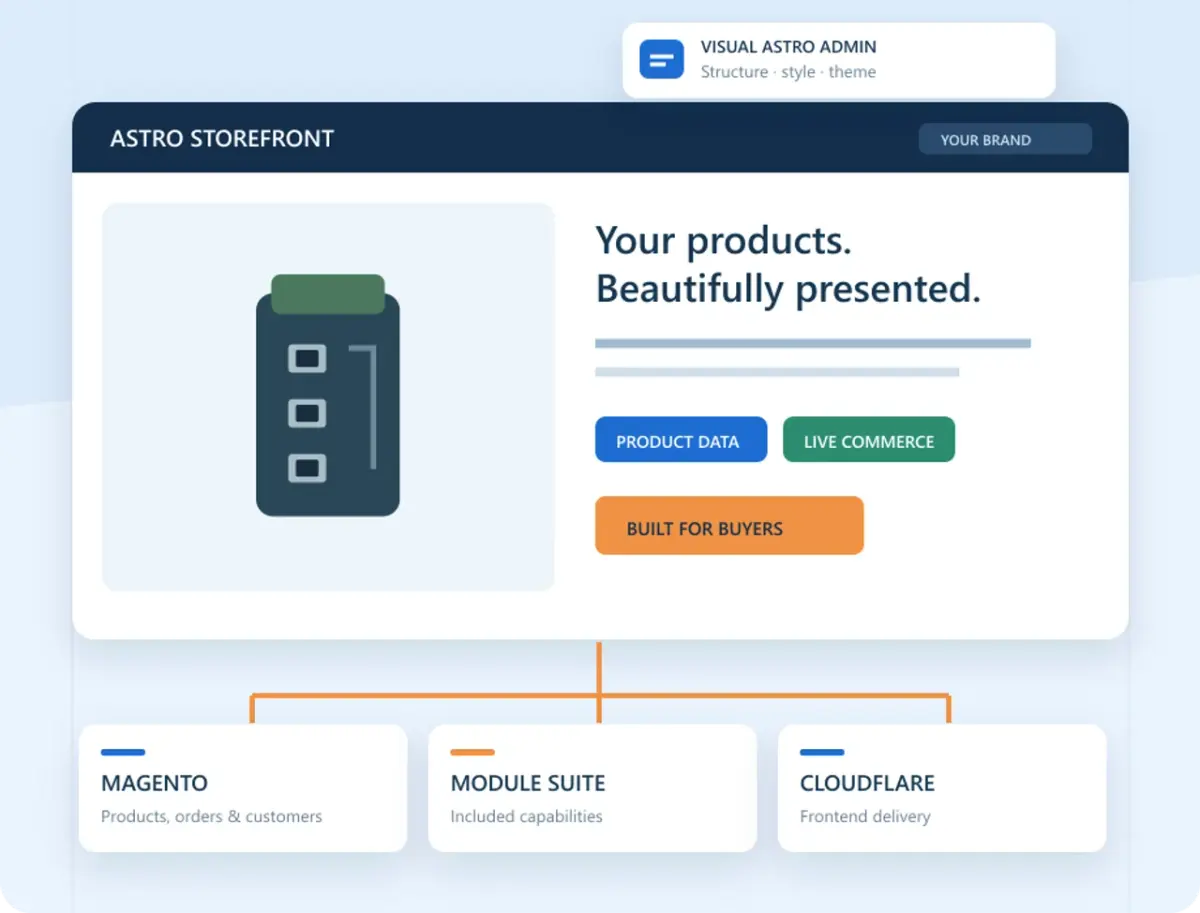
Magento Headless Migration: Replace Your Storefront and Keep Magento
You can replace the storefront of an existing Magento 2 shop and keep Magento running the catalogue, customers and orders. The work is in making the new frontend handle the things your current shop does every day, from choosing a product variant to taking a payment or sending a quote.
With AgenticSuite, you start with a performance-built Astro storefront and all of our customer-facing Magento modules, including VoxFunl Product Audio. We quote for the migration, hosting and implementation separately. Here is what we would work through with you.
Copy the store and find out what needs to move
We make a staging copy of your Magento store on our Cloudways hosting. Your current shop keeps trading while we audit the copy. We check the Magento version, product types, store views, search, payments, shipping and the extensions that touch those journeys. We also inventory product images, customer and order records, CMS content, blog posts and important URLs.
Where an extension already serves the backend and works with the new frontend, we can assess keeping it. A widget built into the old theme may need an Astro equivalent. Switching to an AgenticEcom module can also mean moving the old extension's data. A blog is a good example. Posts, media, categories and old URLs may need mapping to BlogPro and checking one by one on a sample before the full import. Quotes, forms and other stored records need the same decision where they matter.
| What you rely on | What we check on the staging store |
|---|---|
| Catalogue and customer records | Representative products, variants, images, prices and store views. Customer sign-in, accounts and order history. |
| Existing extensions and content | Which stay, which need frontend work, and which need data moved into an AgenticEcom module. Check blog links and images after import. |
| Orders, quotes and payments | Guest or trade buying, discounts, delivery, tax, payment outcomes, order emails and return links. Test the flows your business uses. |
| Pages customers already find | Keep useful URLs where possible. Map changed URLs to their equivalents and check redirects, titles, canonicals and sitemaps. |
Connect the Astro storefront and choose the design
We install and configure the relevant Suite modules, host the Astro frontend and connect it to Magento. You can start with a design preset or work with us in the visual Astro page editor to adjust your layouts. Review real products, categories and content on mobile as well as desktop. That is a better design test than a homepage mock-up.
The Suite already does the core frontend performance work. We start with the existing Astro rendering, image delivery and caching rather than commissioning that foundation as another project. Before launch we still check the pages you will trade on, especially third-party scripts, heavy assets and integrations that change what customers experience. See how Magento and Astro divide the work.
Rehearse the switch before launch
Agree how to catch up orders, customer changes, catalogue changes and content entered while staging was being built. Test a real product selection through checkout or quote handoff. Include payment failures and returns from your payment provider, customer emails, stock changes and redirects. Agree who makes the launch decision and what would trigger a rollback. Google's site move guidance covers redirects and search checks when URLs need to change.
A useful first enquiry includes your store URL, Magento version if known, the extensions you rely on and two or three journeys that must work on launch day. We can use those to scope the work and explain which parts of the existing store can carry over.
See what AgenticSuite includes and use Book a Demo to discuss your store. Starting without an existing Magento installation? See how we set up a new store from scratch.