
Magento 2 Helpdesk Extension: Support Tickets Next to the Order
Magento 2 helpdesk extension: why support belongs next to the order
Magento 2 has no built-in helpdesk — Open Source ships only a contact form, so proper ticketing needs either an extension or an external service. For most stores the strongest option is a helpdesk inside the Magento admin, because store support lives or dies on context: what did this customer order, when, and what is its status.
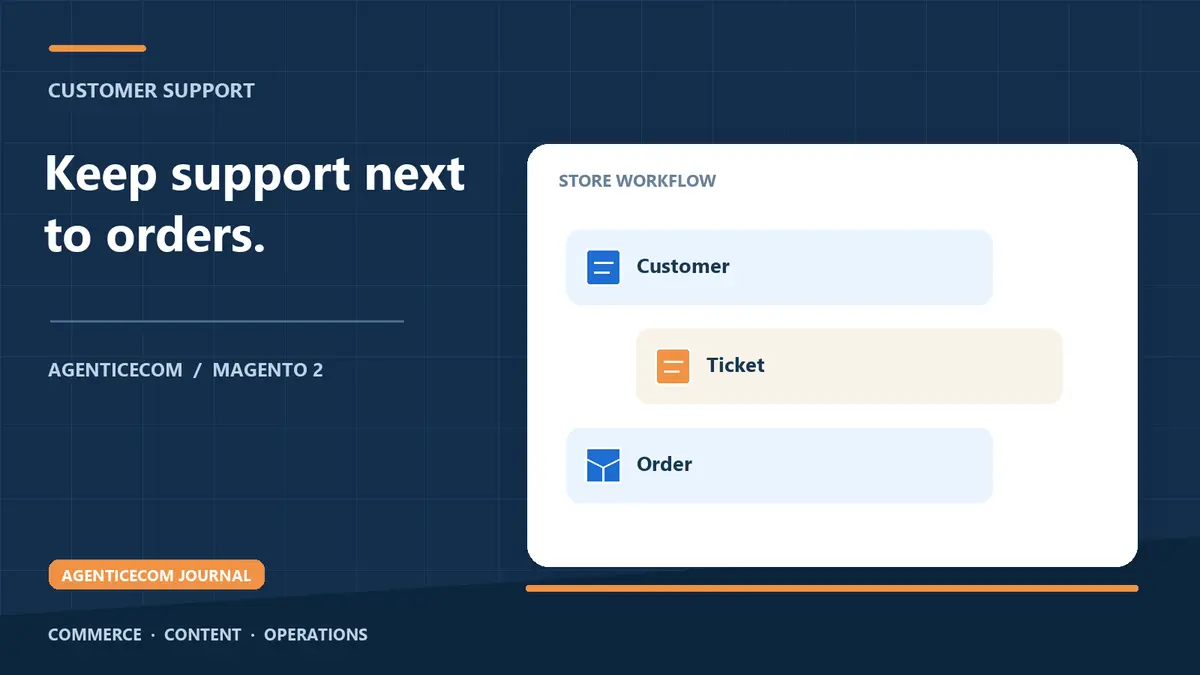
Run support from a shared inbox, or from an external helpdesk that cannot see Magento, and every reply starts with detective work — searching the order grid, cross-referencing email addresses, asking the customer questions your own database could answer. A helpdesk inside Magento puts the ticket next to the customer and their orders, and gives you SLAs and accountability that a mailbox never will.
The three ways stores run support
| Shared inbox | External SaaS helpdesk | Helpdesk extension in Magento | |
|---|---|---|---|
| Order context | None — manual lookup per reply | None natively; integrations to build and maintain | Ticket linked to the customer and order |
| Cost model | Free, paid for in staff time | Recurring per-agent subscription | One-off module licence |
| SLAs and accountability | None — whoever notices, answers | Yes | Yes — response and resolution clocks |
| Where customer data lives | The mailbox | A third party's servers | Your own Magento database |
| Reporting | None | Good, but blind to orders | Tickets and orders in one place |
SaaS helpdesks are good tools, and a large multi-brand operation may still want one. But for a store team whose questions are overwhelmingly about orders — where is it, can I change it, I want to return it — the order context is the product, and an in-admin helpdesk has it natively.
What a store helpdesk needs
- Tickets linked to customers and orders — one click from the ticket to the order it concerns, and from a customer record to every conversation you have had with them.
- Multiple intake channels — a storefront popup or form for anyone, plus the customer account area, so nothing lives in a personal inbox.
- SLA targets and statuses — first-response and resolution clocks, so the team sees what is about to breach before the customer chases.
- Departments and assignment — sales questions to sales, returns to ops, each with its own templates and owners.
- Canned replies and attachments — the ten answers you type every day, one click away, with the returns label or manual attached.
- Satisfaction measurement — a CSAT rating on closed tickets tells you whether support is actually working, not just whether tickets are closing.
What Support Tickets does
Support Tickets (Help Desk) for Magento 2 is a full helpdesk in your admin: storefront popup and account-based ticket intake, order-linked tickets, departments, assignment, SLA tracking, canned replies, attachments and CSAT — with everything visible next to the customer record rather than in a separate SaaS bill. Guests can raise tickets through the storefront popup without an account, and tickets link to a customer record where one exists. It works with Luma and headless storefronts alike.
Setting up a support workflow that holds
- Define departments before you go live. Sales, orders and returns is a sensible starting split; every ticket should have one owner team.
- Set SLA targets you can actually meet. A first-response target you hit every day beats an ambitious one you breach — customers notice the miss, not the target.
- Write canned replies from real tickets. After the first fortnight, your ten most common questions are obvious; template those, personalise the rest.
- Put the intake where the questions start. A storefront popup catches pre-sales questions; the account area catches order questions from logged-in customers.
- Review CSAT monthly. Falling satisfaction on one department or agent is a coaching signal you will never get from an inbox.
Moving off the shared inbox without losing anything
The switch itself is simpler than teams fear. Pick a cutover day; from that day, every new conversation becomes a ticket, and the inbox is only worked backwards until the last pre-cutover thread is closed. Do not try to import the inbox's history — the value is in the discipline going forward, not in migrating chaos.
Then hold the line on one rule: if it is not a ticket, it did not happen. The failure mode of every helpdesk rollout is the well-meaning colleague who keeps answering from their personal mailbox — those conversations have no status, no owner and no SLA clock, and they are invisible the day that colleague is on holiday. The rule is blunt, but it is what makes response times measurable and handovers painless.
One dependency: your ticket emails must arrive
A helpdesk stands on email notifications — the customer's "we've received your ticket" and every reply after it. If your store's transactional mail is going to spam, your support system inherits the problem and customers conclude they are being ignored. Before relying on any ticketing workflow, work through Magento Order Emails Not Sending or in Spam: The Complete Fix.
FAQ
Does Magento 2 have a built-in helpdesk?
No. Magento Open Source ships only the Contact Us form — no ticketing, no SLAs, no satisfaction measurement. Those need either a helpdesk extension or an external service.
Is a helpdesk extension better than a SaaS helpdesk?
For most single-store teams, yes: it sees your orders natively, keeps customer data in your own database, and costs a one-off licence rather than a per-agent subscription. Large multi-brand operations with cross-channel support may still prefer a dedicated SaaS platform, and nothing stops you moving later.
Can customers raise tickets without an account?
Yes — the storefront popup takes guest tickets (name, email, message), which link to a customer record if one exists. Logged-in customers can also raise and track tickets from their account area.
Does a helpdesk extension work on a headless storefront?
Support Tickets works with Luma and headless storefronts, and the ticket management all happens in the Magento admin regardless of frontend. It is built for Magento Open Source 2.4.9 and runs on PHP 8.4 and 8.5.
If most of your incoming "tickets" are really structured requests — returns, warranty registrations, trade applications — a purpose-built form in front of the helpdesk keeps the queue clean; see Magento 2 Form Builder: Custom Forms Without a Developer. Support Tickets is a one-off purchase — no subscription — available with the rest of our Magento 2 modules and included in the AgenticEcom Suite.