
01
Offer the channels buyers use
Choose from six configured sharing links on Luma product pages. The same link data is available to a separately built headless storefront.
Let shoppers share products without loading a third-party social SDK. Configure six practical sharing links and choose how they appear in your store.
For Magento Open Source 2.4.9. Review the module guide for installation, dependencies and frontend integration requirements. We can help check the fit with your existing store.
Choose from six configured sharing links on Luma product pages. The same link data is available to a separately built headless storefront.
Optional share-click tracking is off by default. Magento supplies native product Open Graph tags; the module can add X summary-card tags.
Check the module guide, supported version and setup requirements for your store.
Install and configure on staging. Test the workflows that matter to your team.
Deploy the tested configuration and use the included support when you need help.
Review the supported version and module guide, and test on staging with your current theme and extensions. Luma presentation and headless integration requirements vary by module; contact us if you need help checking compatibility.
The one-time licence includes 12 months of updates and priority support. Purchased versions remain usable. Renewal is optional and never billed automatically; see the current purchase terms for eligibility and renewal details.
Yes. AgenticSuite includes the Astro storefront and all headless and Luma-compatible modules listed on this website. You can buy this module for the store you run today, or discuss the complete platform for a frontend rebuild.
Latest release: Version 1.0.3
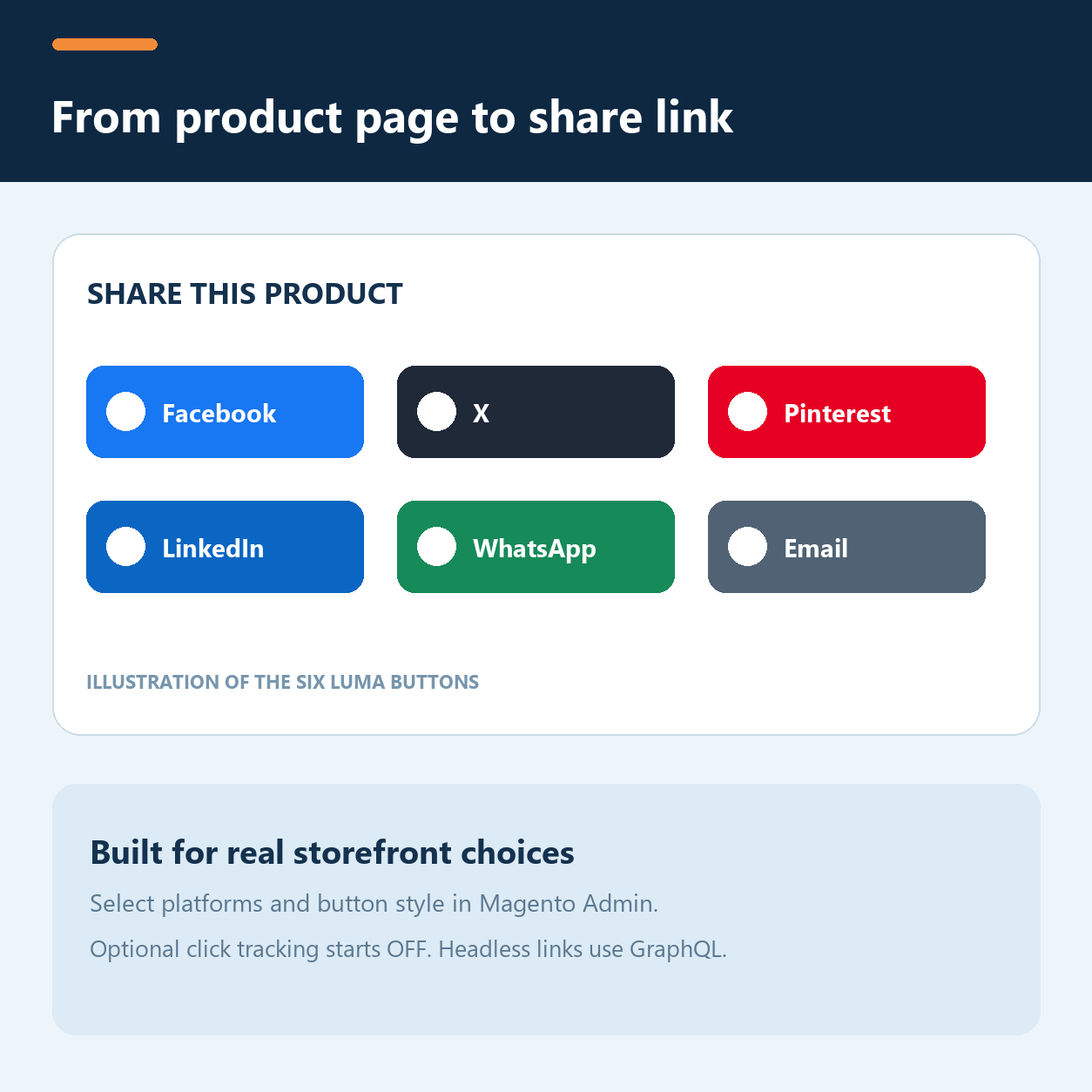
Social Share 1.0.3 adds a clean share block to Magento Luma product pages. Choose Facebook, X, Pinterest, LinkedIn, WhatsApp or email, then select one of five button styles in Magento Admin. Configure the selection at store-view scope.
socialConfig and socialShareButtons return the configuration and native destination links over GraphQL. A headless frontend renders and escapes its own controls.Magento already outputs product Open Graph metadata in Luma. Social Share keeps those native tags and can add X summary-card tags in the document head. Each receiving network controls its own share dialog and preview, so test a real product URL before relying on a particular image or title. A headless storefront supplies its own metadata.
Automatic placement is on Luma product pages. Category, CMS and blog layouts are not included. The PHP model can build CMS-page links for custom theme integration. Social login is a separate AgenticEcom module and is not required here; AgenticEcom Core is also not required.
The exact stable 1.0.2 package was installed, upgraded, compiled and tested on Magento Open Source 2.4.9 / PHP 8.5.10 with Luma and GraphQL. Other editions, PHP versions, custom themes and network previews need separate validation. See the Social Share user guide.
A one-time purchase includes 12 months of updates and support. Renewal is optional and never billed automatically. An eligible standalone extension may renew at 60% of the then-current regular list price before the support term ends or within 30 days afterward, plus applicable tax. The purchased version remains usable afterward. See the AgenticEcom licence for the terms governing your order. Support: support@agenticecom.net.
Facebook, X, Pinterest, LinkedIn, WhatsApp and email. Select any subset in Magento Admin.
The receiving network decides. Magento supplies native Luma Open Graph tags, and this module can add X card tags. Test a real shared link.
Automatic placement is on Luma product pages. Other page types require custom integration; the PHP model can build CMS-page links.
Yes. Query socialShareButtons and render the returned data in your frontend. The module does not inject controls into Astro automatically.
Keep improving the store you run today. When you need a full frontend rebuild, AgenticSuite combines the Astro storefront, visual admin and included module collection.
Your source code.
Your data. Your direction.
Review the setup requirements, choose your module and get started. We’re here if you need to check the fit.