
01
Export the content and its scope
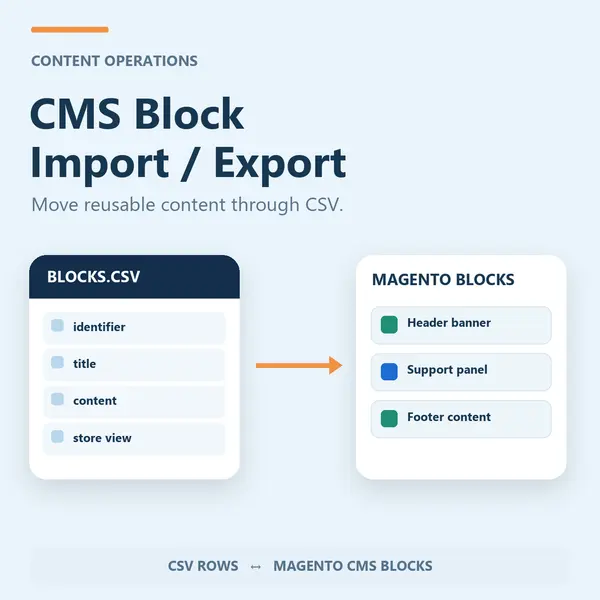
Work with CMS block HTML and store assignments in CSV, with quoted content preserved.
Move Magento CMS blocks through a practical CSV workflow. Export existing content, edit it in bulk and import changes to update or create blocks.
For Magento Open Source 2.4.9. Review the module guide for installation, dependencies and frontend integration requirements. We can help check the fit with your existing store.
Work with CMS block HTML and store assignments in CSV, with quoted content preserved.
Import to create or update blocks. Basic filtering covers common active script patterns; trusted editors still review the resulting content.
Check the module guide, supported version and setup requirements for your store.
Install and configure on staging. Test the workflows that matter to your team.
Deploy the tested configuration and use the included support when you need help.
Review the supported version and module guide, and test on staging with your current theme and extensions. Luma presentation and headless integration requirements vary by module; contact us if you need help checking compatibility.
The one-time licence includes 12 months of updates and priority support. Purchased versions remain usable. Renewal is optional and never billed automatically; see the current purchase terms for eligibility and renewal details.
Yes. AgenticSuite includes the Astro storefront and all headless and Luma-compatible modules listed on this website. You can buy this module for the store you run today, or discuss the complete platform for a frontend rebuild.
CMS Block Import / Export is a Magento 2 module that manages your CMS blocks in a spreadsheet: export every block to CSV, edit HTML content and store scope in bulk, then re-import to update existing blocks or create new ones, preserving quoted HTML and filtering common active script patterns.
Manage your entire Magento 2 CMS in a spreadsheet. Export every CMS block to CSV, edit content and store scope in bulk, then re-import to update or create - with CSV quoting that preserves HTML and basic filtering of common active script patterns.
Editing CMS blocks one at a time in the admin is slow and error-prone. CMS Block Import / Export turns it into a spreadsheet job: export everything, make sweeping changes in Excel or Google Sheets, and push it all back in a single import.
Part of the complete platform - one of 40+ modules in the AgenticEcom Suite.
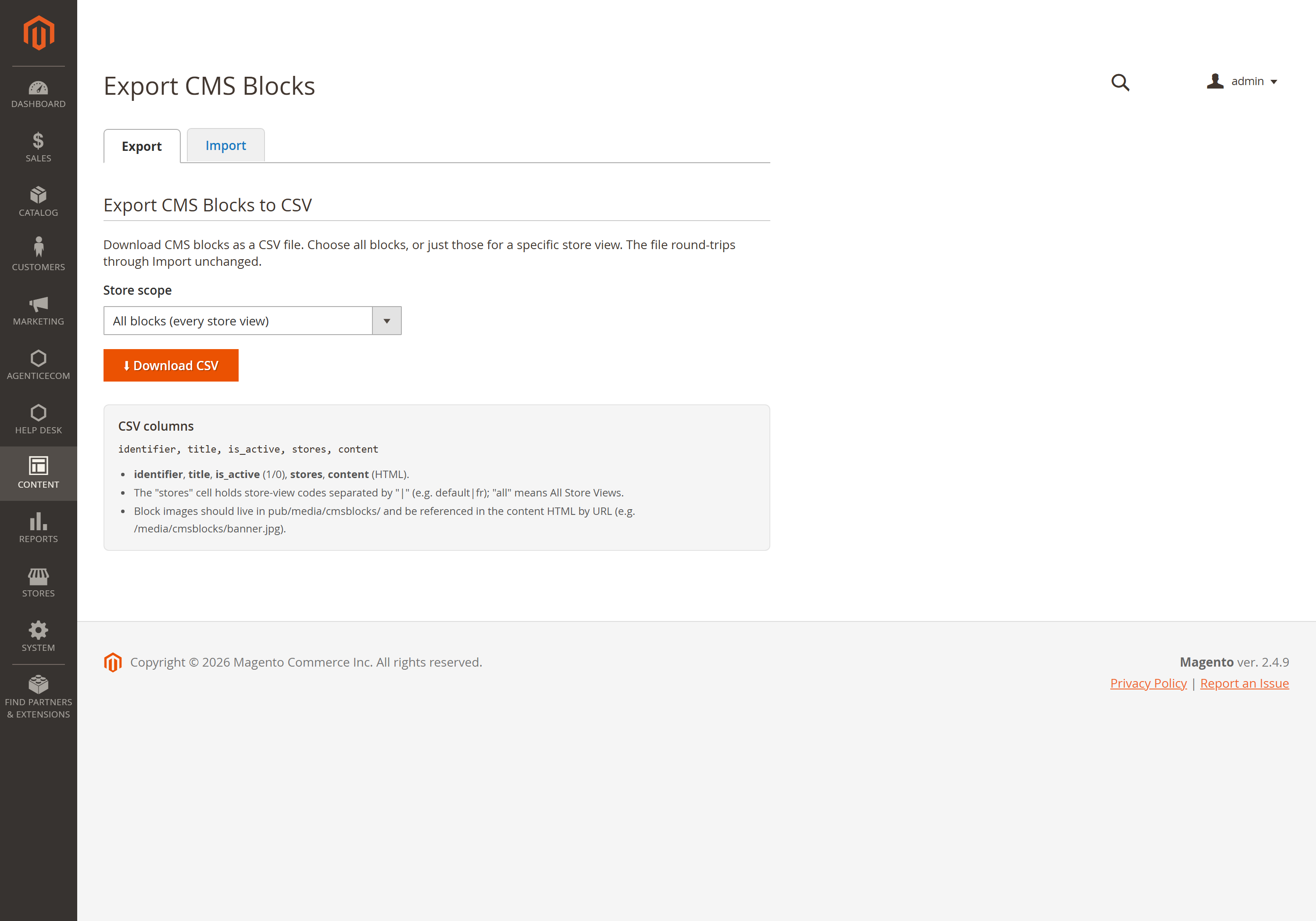
Export to CSV, edit the content and store columns in a spreadsheet, and re-import with Add/Update. Keeping each row's identifier means it updates that block rather than creating a duplicate.
Yes — set the stores cell (codes separated by |, or all), or use the import option to force every row into a chosen store view regardless of the column.
The importer removes common script tags, inline event handlers and active URL schemes while preserving layout markup. This is not a complete HTML sanitizer. Grant import access to trusted CMS editors and review content before publishing.
Import requires both the module permission and Magento's native CMS block permission. The current release has been checked on Magento Open Source 2.4.9 and PHP 8.5.10; check release-specific compatibility before installing.
Latest release: Version 1.0.3
Keep improving the store you run today. When you need a full frontend rebuild, AgenticSuite combines the Astro storefront, visual admin and included module collection.
Your source code.
Your data. Your direction.
Review the setup requirements, choose your module and get started. We’re here if you need to check the fit.