
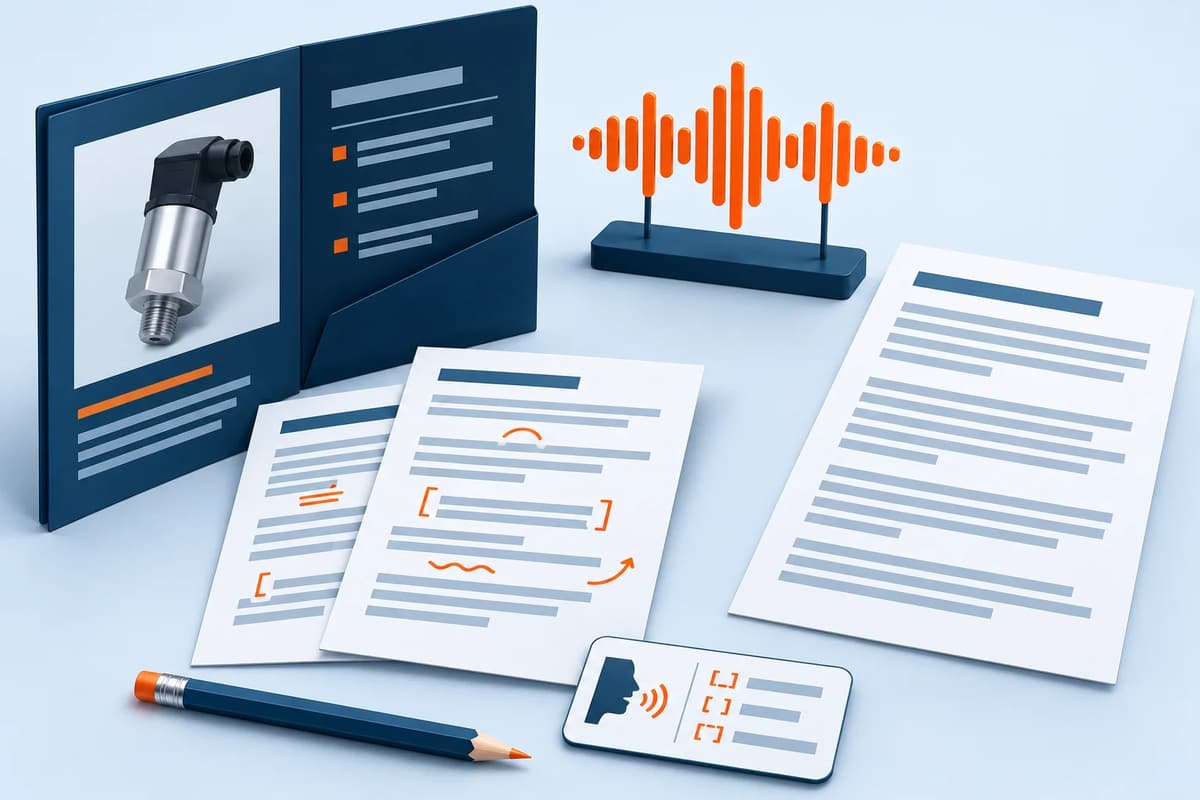
Add a reviewed product voice guide to Magento without hiding the written facts
Offer a short recording alongside the written facts
A product voice guide can give shoppers another way to understand a product, provided the words are accurate and the written information remains easy to find. VoxFunl turns Magento product facts into an editable script, then creates a recording only after the script is saved. Published recordings cannot exceed 50 seconds.
Provider API usage is billed separately. You supply OpenAI or Google Gemini credentials for the selected text and speech services. Factor in script generation, speech generation, corrections and Magento media storage. The published audio stays in Magento media and loads when the shopper chooses to play it; it does not autoplay.
When an existing recording is enough
For a few products, an approved recording and an HTML audio player may meet the need. Keep a transcript and an owner responsible for updating the file. VoxFunl's library, pronunciation and stale-audio workflow become useful when maintaining recordings across a catalogue is the harder job. Audio itself does not establish a conversion improvement or complete accessibility compliance.
Write for one buying question
Illustrative script, not generated speech or a tested product: “This 12-litre polypropylene box has a removable lid and is intended for indoor storage. Its external dimensions are 400 by 300 by 150 millimetres. Check those dimensions against your shelf space. The supplied information does not establish waterproofing or food-contact suitability.”
That script uses a small set of assumed verified facts and makes its limits audible. A real script should use your approved product evidence and answer the question a listener is likely to have. Avoid reading a long attribute table or adding unverified benefits. Listen to the recording: a short-looking script can exceed 50 seconds at the chosen pace, and the module rejects over-length audio.
- Select the SKU and store view in Audio Studio and inspect the product facts used as input.
- Generate a draft, then compare every claim with the specification. Edit and save the reviewed script.
- Preview a voice, tone and speaking pace. Create audio from the saved script.
- Listen on the Luma page and compare the transcript. Check controls with a keyboard and on a phone.
- Only then consider a bounded bulk job. Review drafts before explicitly queueing audio creation, and inspect failures.
Keep model codes and changed facts under control
The pronunciation dictionary lets you map an exact written term to spoken wording for a locale and store view. The transcript retains the display term while speech uses the replacement. Test important model codes and acronyms by listening; a plausible voice is not evidence of correct pronunciation.
Relevant product-fact or pronunciation changes hide stale recordings until review and regeneration. Check that behaviour on your installed release before relying on it for a large batch. Leave price narration off unless one store-view price is suitable for every listener; customer-group prices and promotions can make spoken prices misleading. Regeneration uses a fresh media URL.
Luma, headless and accessibility checks
The current release is 1.0.0. The guide records qualification on Magento Open Source 2.4.9 with PHP 8.5, Luma and an AgenticEcom Astro storefront. Other themes, editions and hosts need staging checks. Luma offers configurable placement and a popup or native player. A separate headless component must use the published audio metadata and handle unpublished or stale content; a Luma position setting does not place a headless player.
Retain the transcript and core product details even for shoppers who never play audio. W3C's explanation of prerecorded audio alternatives supports equivalent access to information. A transcript alone is not a whole-store accessibility assessment.
Read the VoxFunl product and script, pronunciation and player guide. Start with one reviewed recording and a deliberate maintenance plan.
Product information reviewed 4 November 2026 by AgenticEcom. Illustrative examples are not customer results or new runtime tests.